๐Ÿ› ๏ธ Open Source Tools

GitHub README Generator

Generate professional README.md templates with badges, Quick Start, screenshots, and contributor guidelines. Based on 60k GitHub stars experience.
๐Ÿš€ Use the Tool Free โญ View on GitHub
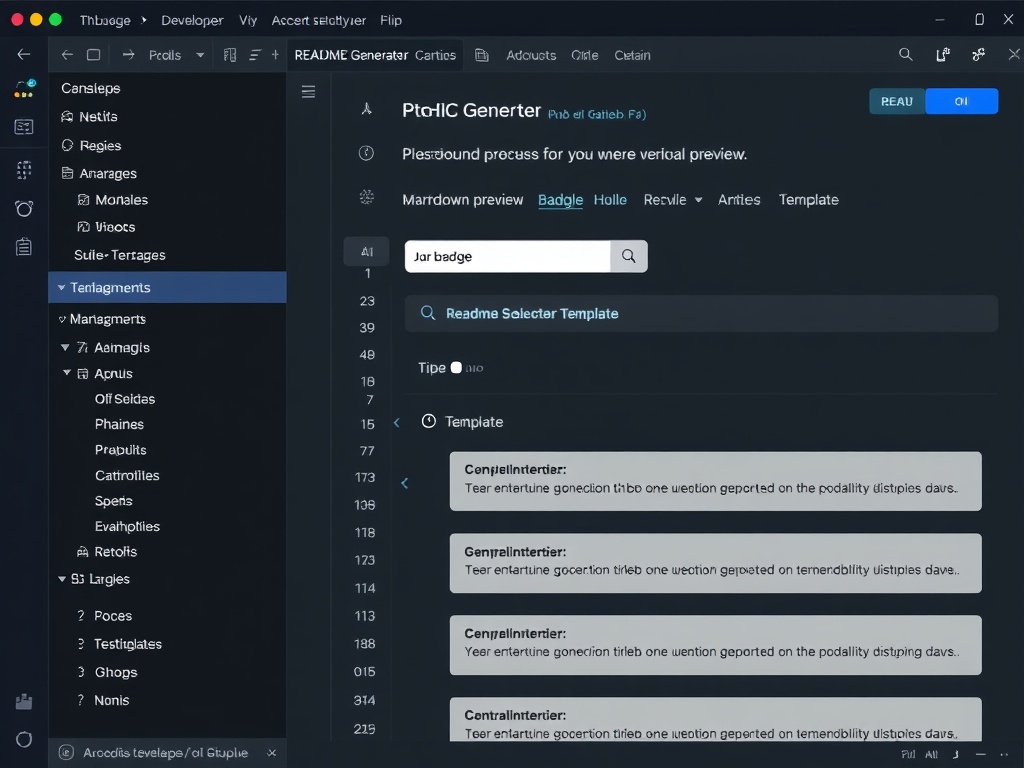
GitHub README Generator tool interface showing markdown editor with live preview, badge selector, and template sections
60k+
GitHub Stars Experience
3xโ†‘
More Stars with Good README
100%
Free, No Signup
Features

Everything You Need in a README

๐ŸŽ–๏ธ

Smart Badges

Auto-generate stars, license, CI status, version, and download badges that look professional and update automatically.

๐Ÿ“‘

Table of Contents

Auto-generated anchor-linked TOC that keeps readers oriented in long READMEs. Updates automatically when sections change.

โšก

Quick Start

Step-by-step installation section with copy-paste commands. Includes npm, Docker, and direct download options.

๐Ÿ“ธ

Screenshot Placeholders

Guided screenshot sections with placeholder images and caption templates. Replace with your actual screenshots.

๐Ÿค

Contributor Guidelines

Ready-to-use contributing section with code of conduct, PR template, and development workflow.

๐ŸŒ

Multi-Language

Generate READMEs in English, Chinese, or any language. Perfect for global open source projects.

Sections

What Your README Will Include

๐ŸŽฏ
Project Title + One-Line Description
The 50-word hook that determines if someone reads on
๐ŸŽ–๏ธ
Badge Row
Stars, license, version, CI status, downloads โ€” visual credibility signals
โšก
Quick Start
npm install + 3 commands to running โ€” reduces friction for new contributors
โœจ
Features
Feature grid with emoji icons and one-line descriptions
๐Ÿ“ธ
Screenshots / Demo
Guided placeholders for images, GIFs, or video embeds
๐Ÿ“–
Documentation
Link to full docs with key section anchors
๐Ÿค
Contributing
PR workflow, code style, testing requirements
๐Ÿ“„
License + Author
License badge and author info with social links